
Want the convenience of ordering a delicious meal from your car, but without waiting in long drive-thru lines?
Domino’s is giving customers a new and more efficient way to order while on the go: via Domino’s iOS app on Apple CarPlay.
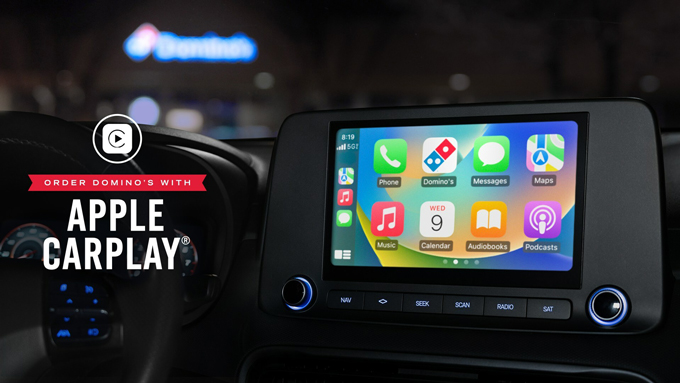
Customers have two ordering options via Domino’s app on CarPlay: “Tap to Order” or “Call to Order.”
Tap to Order lets customers submit their saved Easy Order or one of their most recent orders, while “Call to Order” allows them to place the order of their choice, hands-free, by talking to a customer service representative.
How Does It Work?
Ordering Domino’s via CarPlay is easy! To do so, customers simply need to:
- Download Domino’s iPhone app
- Log into their Pizza Profile
- Have a saved Easy Order or recently placed the order (in order to use “Tap to Order”)
- Select Domino’s app on Apple CarPlay and voila! Ordering is at your fingertips.
Domino’s is the first pizza company and one of the first quick-service restaurant brands in the U.S. to offer easy on-the-go ordering via CarPlay.
In addition to placing an order via Domino’s on CarPlay, customers can also track the status of their order via Domino’s Tracker.
Domino’s app on CarPlay is the brand’s newest AnyWare ordering platform – a suite of technology that allows customers to order from wherever they are, using whatever device they prefer.
Other AnyWare ordering platforms include ordering via Apple Watch or with an emoji via text.
To learn more about Domino’s app on CarPlay, as well as other AnyWare ordering platforms, visit anyware.dominos.com.
Reminder: Do not drive while distracted.